BetPro Dashboard - BPExch Dashboard Overview (Pakistan)
Get clear overview of what users typically see after logging into the BetPro Exchange (BPExch) system. It provides neutral guidance on how the dashboard is structured and how different sections are usually accessed.



What BetPro (BPExch) Dashboard Represents
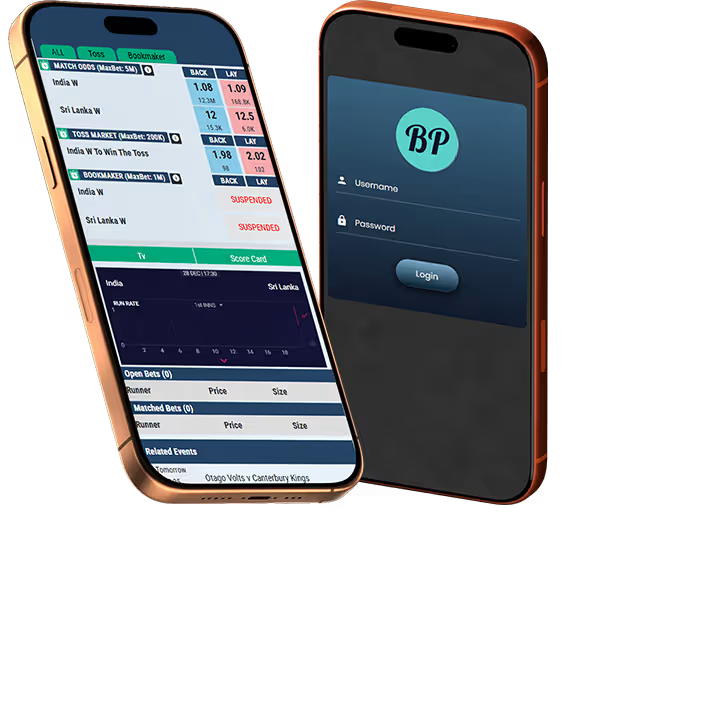
The dashboard functions as the post-login home screen where account-related information and navigation links are presented together. It is designed to help users quickly understand their current status and move to relevant sections without acting as a wallet or transaction tool itself.
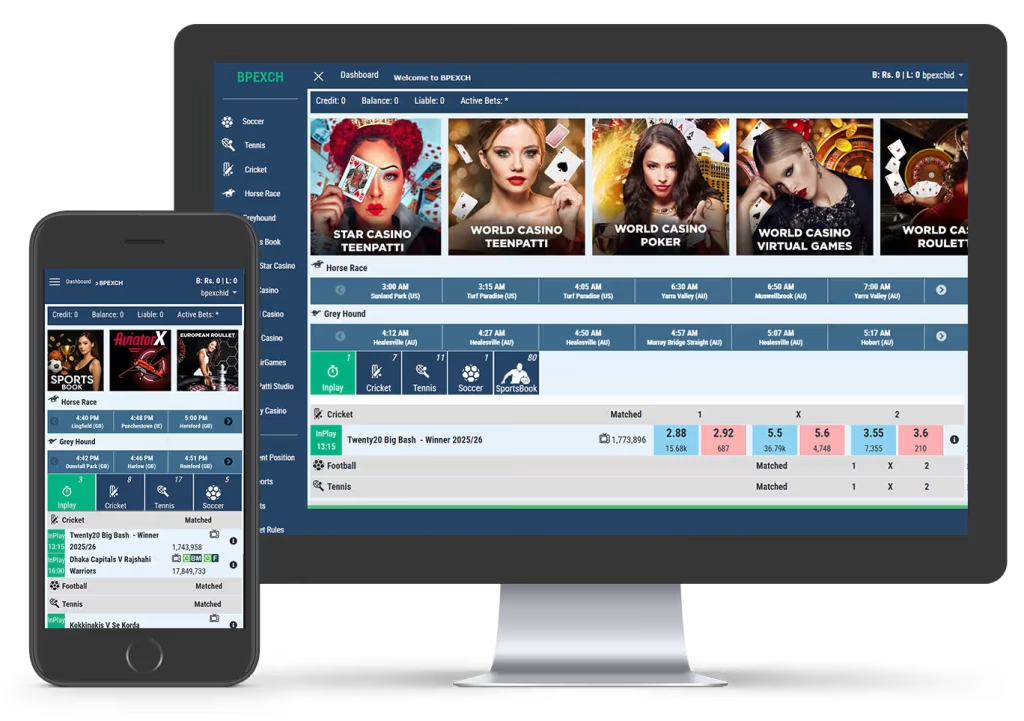
Platform Naming and Scope

Top Navigation BetPro Account Information
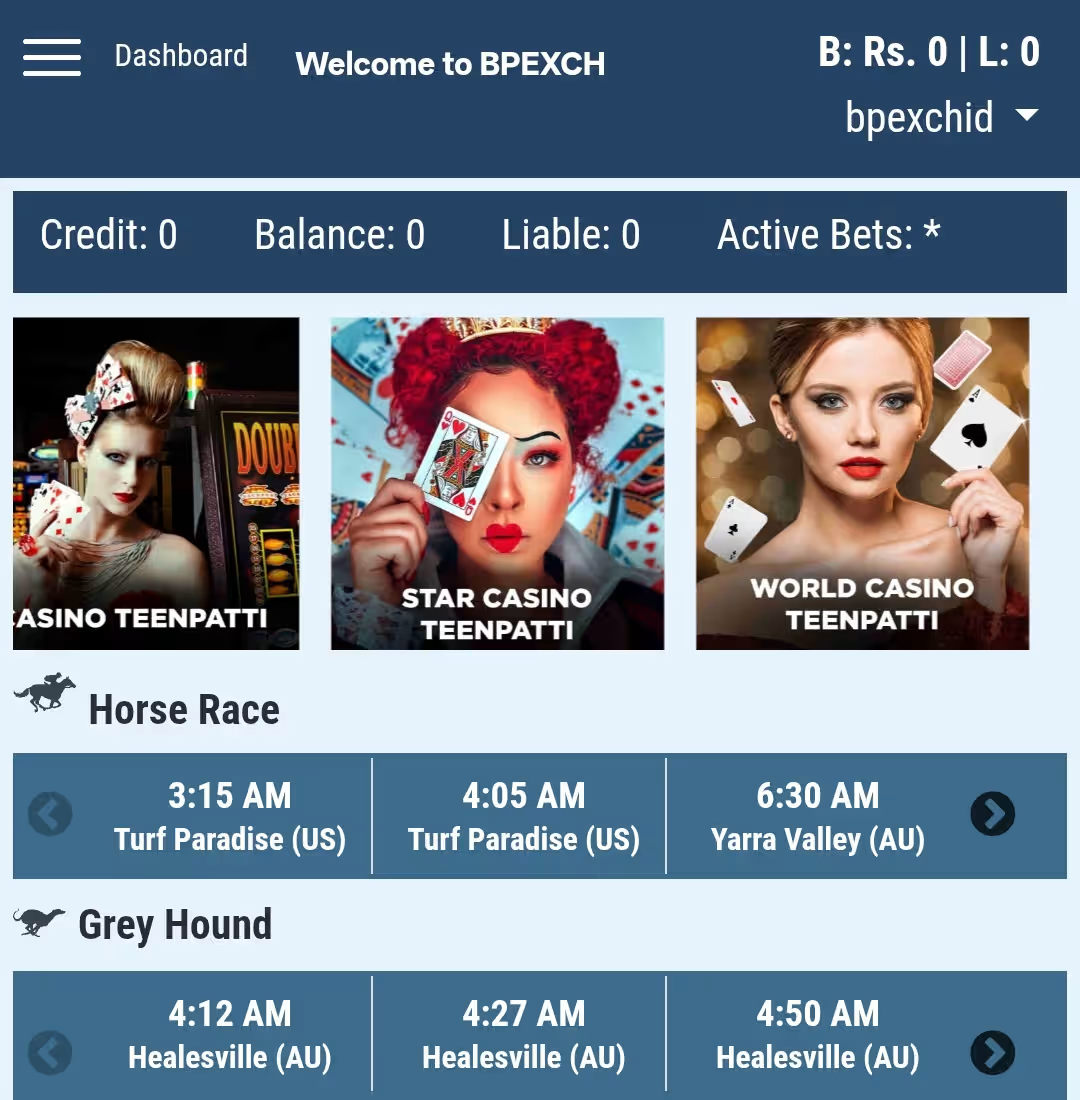
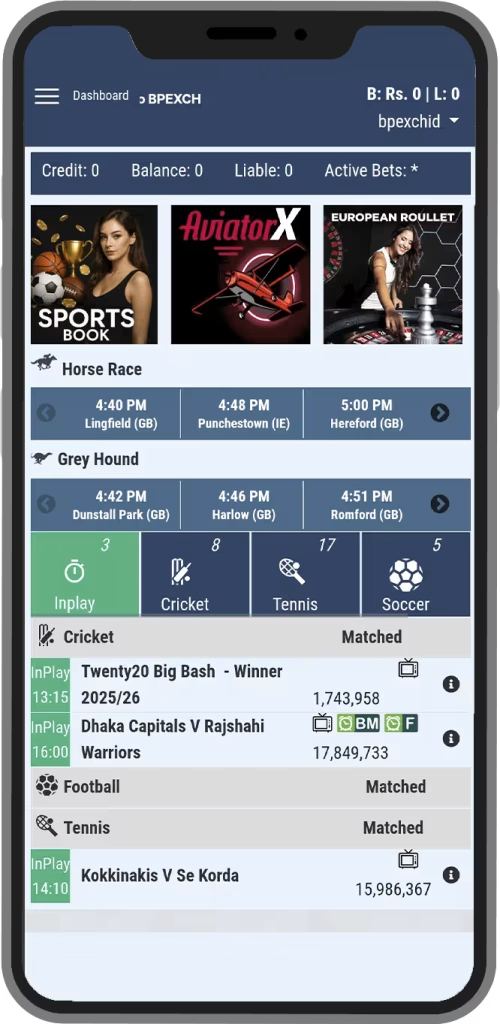
At the top of the BetPro Exchange (BPExch) dashboard, users usually see summary indicators that reflect the current state of their account. These values are informational and help users understand exposure and activity at a glance.
Credit and Balance display
Credit and balance figures are typically shown side by side at the top of the dashboard. Credit generally reflects the available amount for activity, while balance represents the current account position after recent actions. These figures update based on platform-side calculations and are not editable from the dashboard view. The dashboard only displays these values for reference and navigation purposes but details can be seen through statements as explained in Wallet Section.
Liability and active bets
Liability and active bets indicate ongoing exposure from open markets or unsettled positions. Liability shows potential commitment tied to current selections, while active bets summarize how many positions are currently open. These indicators help users understand risk visibility but do not provide settlement or control options directly. Detailed records are usually accessed through statement or report section as elaborated in wallet section.
BetPro Dashboard Features
While layouts may vary slightly by device or update, the overall structure remains consistent across most versions of the platform.
Game access area
Below the summary, featured casino games or shortcuts are often displayed for quick navigation.
Live Sports Markets
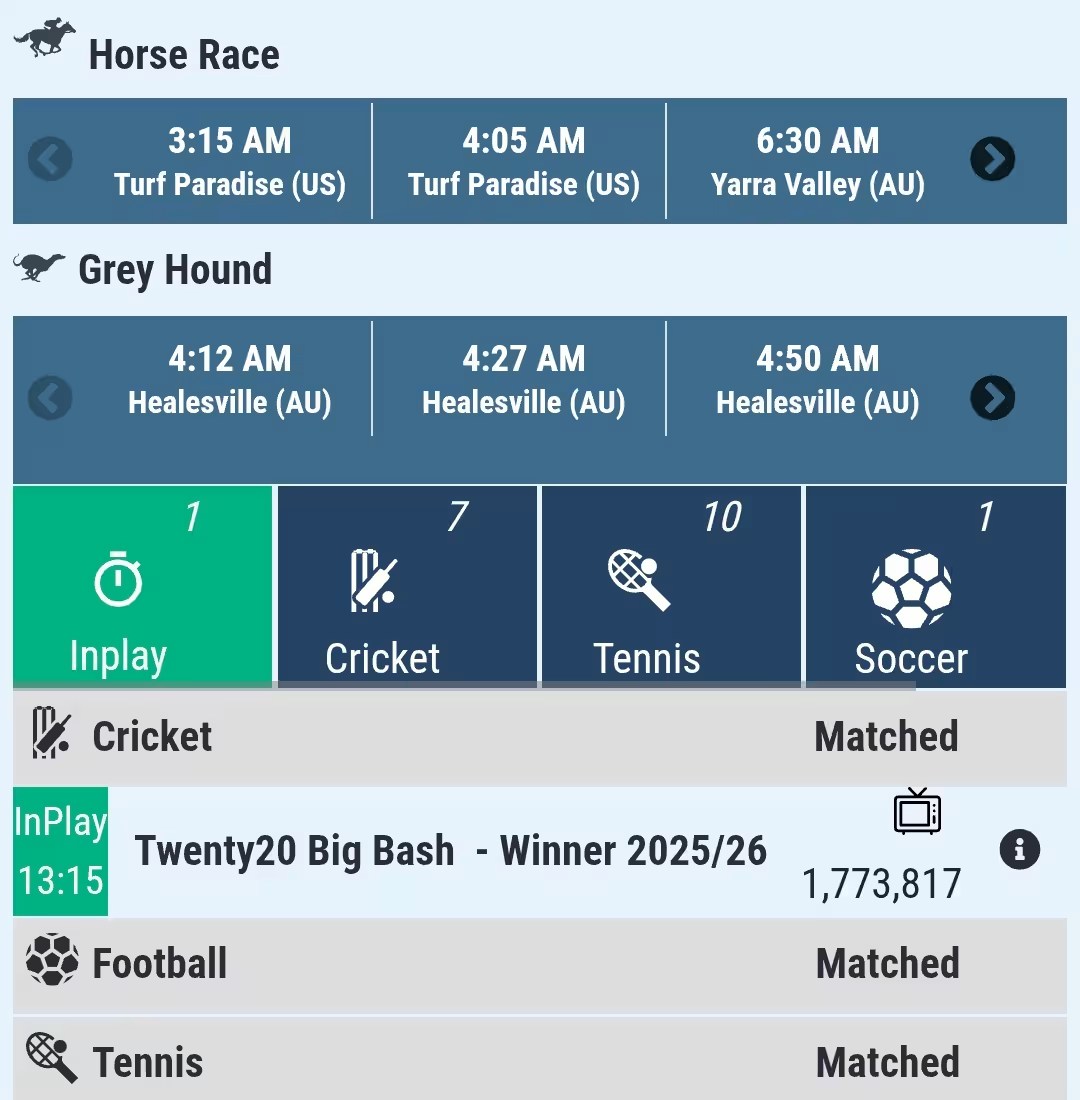
Ongoing sports markets are commonly surfaced to allow faster access without browsing multiple menus.
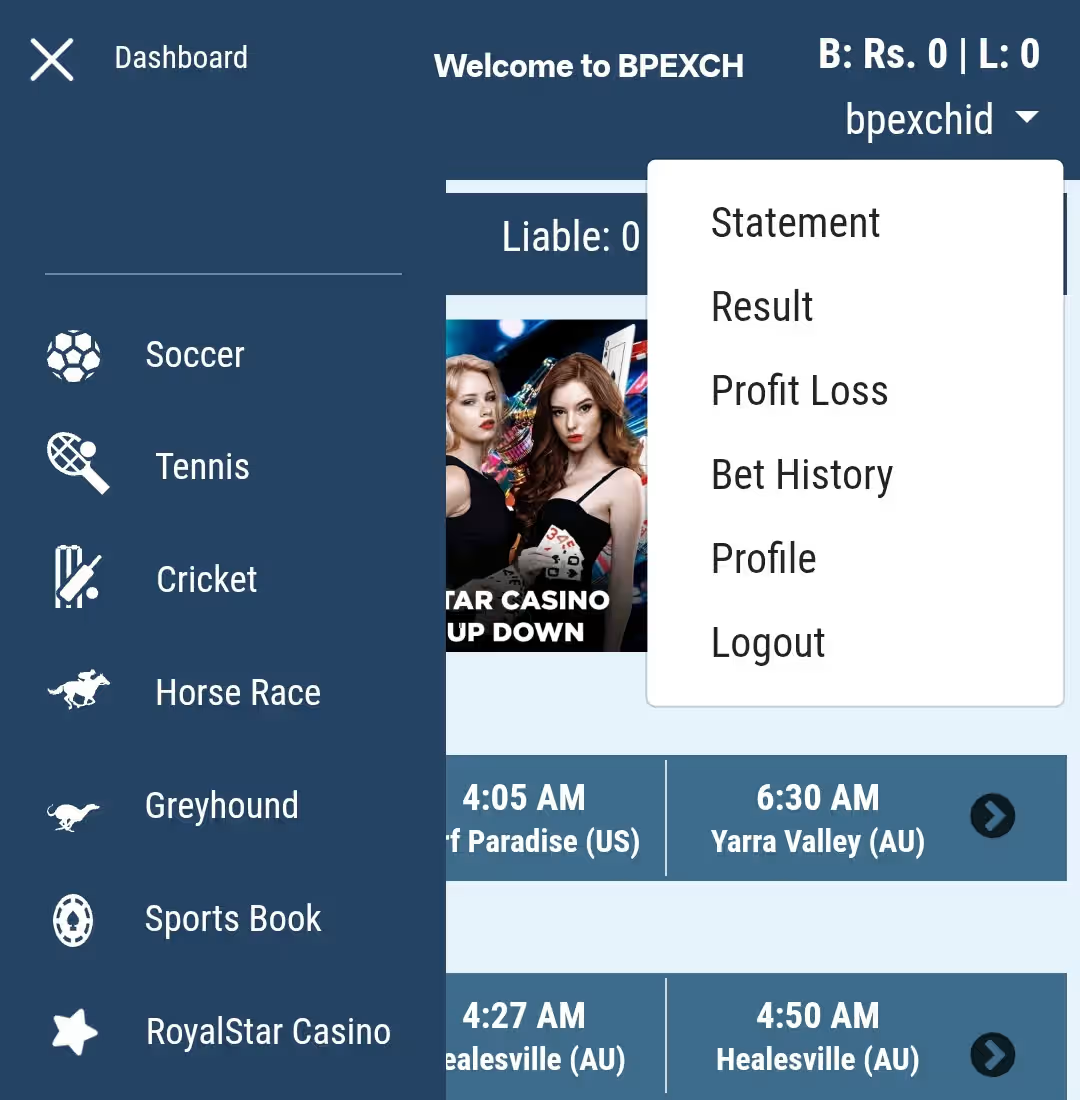
Navigation links
Menus and tabs guide users toward sports,casino, statements, profile, or account-related sections.
BetPro (BPExch) Casino and Live Sports Visibility
The dashboard surfaces popular or currently active content to reduce navigation steps for users and easily navigate through their preferred section.
Casino games highlights
Casino sections usually appear as sliders or tiles showing selected games or providers. These highlights are meant for discovery and do not represent the full catalog. Users can move to dedicated casino sections for broader listings.
Live sports markets
Ongoing matches from sports such as cricket, football, tennis, horse racing, and greyhound racing are commonly visible. These entries act as shortcuts to live market pages rather than full market views. Availability depends entirely on the external platform.
What Dashboard Doesn't Do



Related BetPro Account Pages
Users often pair dashboard understanding with guidance on balances, deposits, and withdrawals to fully interpret what they see on screen.
Deposit
Describes how users usually add funds through authorized channels.
Deposit Guide ➜
Withdrawal
Outlines how withdrawal requests are commonly handled and reviewed.
Withdrawal Guide ➜
Wallet
Explains how balance visibility and transaction records are typically interpreted.
Wallet Guide ➜
Bonus
Clarifies how bonus works, if applicable, and is separated from deposited funds.
Bonus Guide ➜


BetPro Dashboard
Frequently Asked Questions
Find answers to common questions about BetPro Dashboard Related Queries.
No, this website does not display live data or dashboards. It only explains how the dashboard is generally structured after login.
These values update based on activity within the external platform. This site cannot influence or adjust those figures.
The dashboard usually links to markets, but bet placement is handled within specific market pages on the platform itself.
The layout is similar, but elements may be rearranged to fit different screen sizes.
Access or loading issues are typically resolved by contacting the dealer or support channel associated with your ID.
Need Help Understanding Your Dashboard?
If the dashboard layout feels unfamiliar or you are returning after a break, support guidance can help clarify where to find key sections.