BetPro Wallet - BPExch Wallet Guide (Pakistan)
Get clear overview on how balance visibility and account records are typically presented after login within the BetPro Exchange (BPExch) ecosystem. We intend to clarify what users usually mean when referring to a “wallet” and where related information can be found.
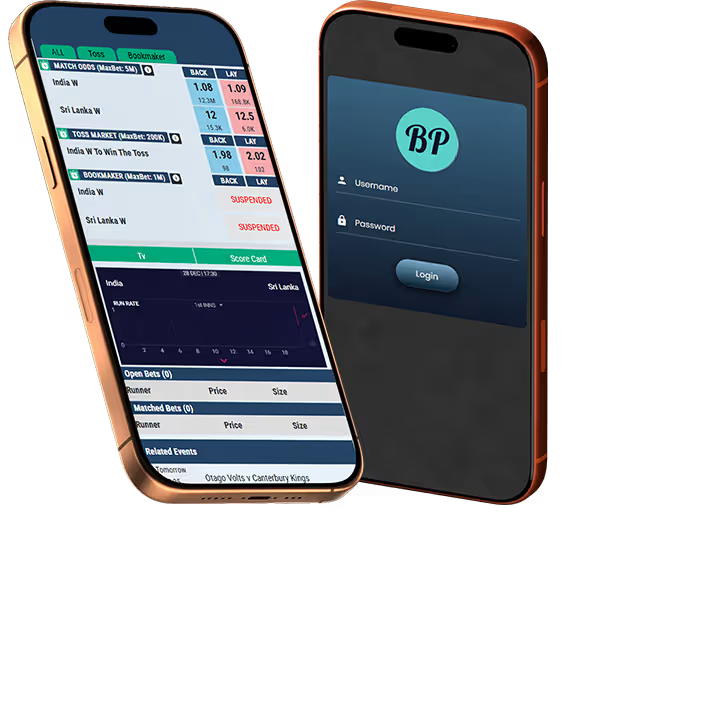



What BetPro Wallet Means
Within the BetPro Exchange ecosystem, the term “wallet” is not used as a standalone feature label. Instead, it commonly refers to the combined view of balance information, transaction records, and betting activity available inside the account menu after login.
Where Wallet Balance Information Appears
Balance-related details are usually accessed through specific account sections visible only after successful login. These sections are designed to present account movement and activity history rather than operate as an external wallet dashboard.
Account Menu
After login, users typically open their username or profile menu to access balance-related sections. These areas are part of the BetPro platform interface and are not controlled by our website. Visibility depends on account status and platform availability.
Data Filters
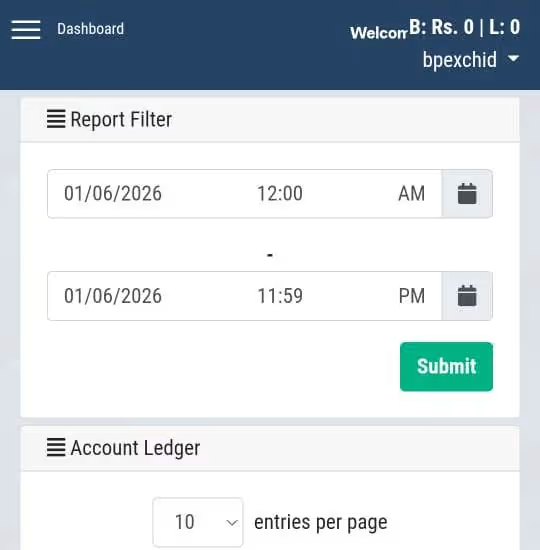
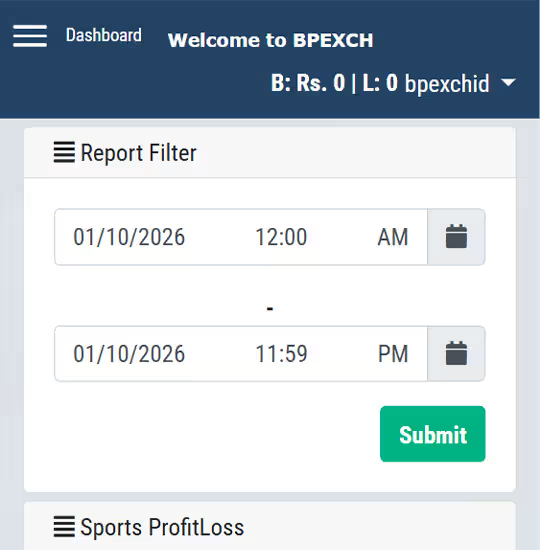
Most record views allow users to filter information by selecting a start and end date. This helps isolate specific periods for review rather than showing lifetime activity. Filter availability and accuracy are determined by the platform.
Read-Only Display
All balance and record views are informational in nature. Users cannot modify entries, adjust balances, or correct records directly from these screens.
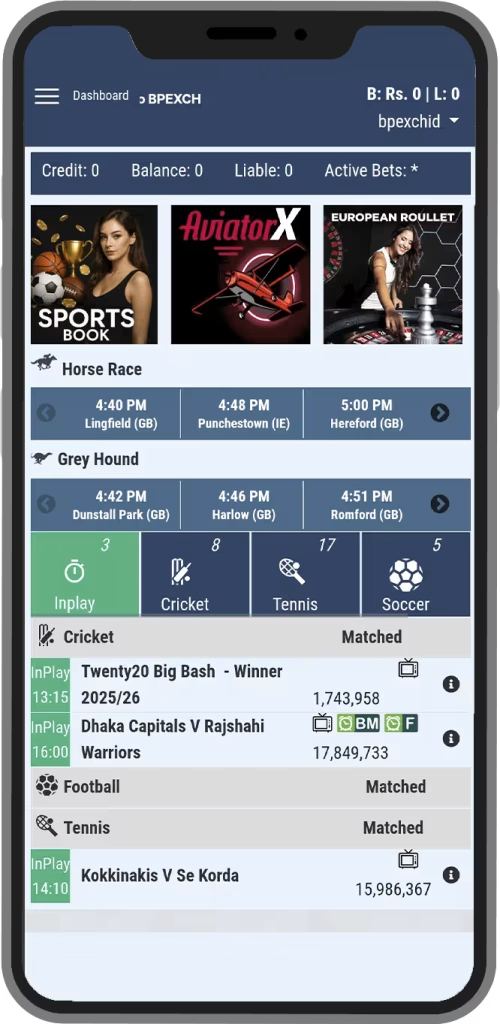

BetPro Statements
Statements are typically used to review overall account movement across a selected time range. They provide a chronological summary of how balances change rather than focusing on individual bets.
Balance Tracking
The statement view usually shows opening and closing balances for the chosen period. It also reflects deposits and withdrawals processed during that timeframe. This helps users understand net account movement without analyzing each wager.
Transaction Records
Deposits and withdrawals appear as separate entries within the statement. These records confirm when funds were added or removed but do not explain betting outcomes. Any missing or delayed entries must be raised with the dealer or access provider used.
Profit and Loss Records
Profit and loss views focus exclusively on betting results. They are designed to summarize outcomes rather than account funding activity.
Bets Only
This section generally includes wins and losses from sports or casino activity. Deposits and withdrawals are excluded to avoid confusion between funding and betting performance. Figures reflect settled bets only.
Period Analysis
Users can usually apply date filters to review performance over specific intervals. This supports responsible review of activity without encouraging continuous monitoring. Figures are calculated by the platform automatically.
Bet History
Bet history provides a detailed list of individual wagers placed through the account. It is intended for record review rather than balance management.
Need Help With Wallet?
Start the request via WhatsApp.
Common
BetPro Wallet
Misunderstandings
Many users assume wallet functions exist outside the exchange login. Clarifying these points helps reduce confusion and unnecessary support requests.
Wallet
This website does not host or display balances outside the platform login.
Funds
Balances are not held or managed by this site at any stage.
Updates
Account figures cannot be changed or corrected from here.
Dashboard
There is no independent wallet panel beyond the account menu.


Responsibility and Control
Getting Help With
BetPro (BPExch)
Wallet Information
Support may be useful when users are unsure where to find records or how to interpret them. Assistance focuses on guidance rather than account intervention.
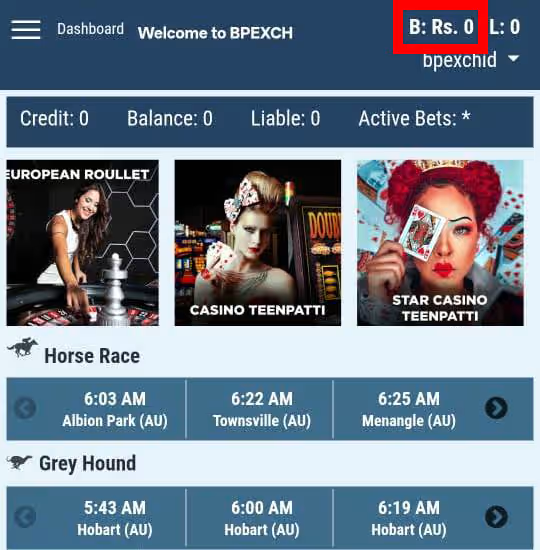
Finding Sections
Help locating statement, profit and loss, or bet history areas after login.
Records Guide
Explanation of what different figures and entries usually represent.
Statement Help
Guidance on concerning issues related to profit and loss.
BetPro Wallet
Frequently Asked Questions
Find answers to common questions about BetPro Wallet Related Queries.
No separate wallet page exists outside the platform login. Balance and records are accessed through the account menu after logging in.
No. All balances and records are managed entirely by the external platform.
Profit and loss views exclude deposits and withdrawals, while balances reflect total account movement.
No corrections can be made through this site. Such issues must be raised with the dealer or access provider used.
Historical data is usually available through date filters within the account sections, subject to platform limits.
Need Help Locating Wallet Information?
If you’re unsure where to view balance details or records after login, support can help guide you to the correct section.